Aimersoft Studio provides you
The Best Professional DVD Ripper, Video Converter, DVD Creator, DRM Media Converter
Home > Products > Aimersoft Video Converter Ultimate

Aimersoft Video Converter Ultimate $69.95

Video Converter Ultimate

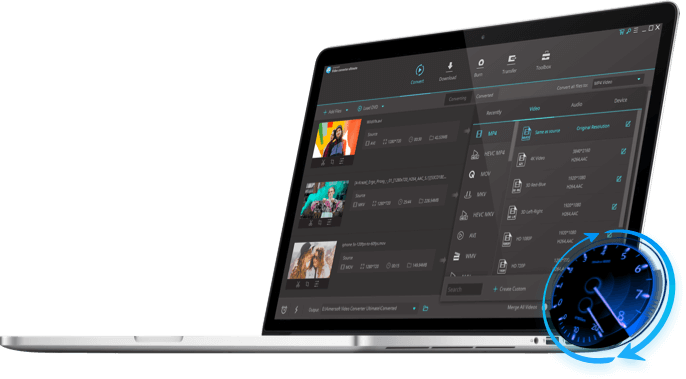
Video Converter Ultimate is a full-featured program that incorporates Video Converter, DVD Ripper, Video Editor, DRM Remover, Video Transfer, Online Video Downloader, and DVD Creator into one, offering an all-round solution to satisfy your multimedia demands. Whether you want to convert Video/DVD to the format you need, create your own unique videos, watch DVD movie on device like iPad, iPod, iPhone 3GS\ iPhone 4(4G), burn videos to DVD disc, etc.

Note: 6X faster conversion speed boost with NVIDIA® CUDA™ . Learn details here>>


Price: $59.95

Video Converter Family

Compare Versions>>

Convert video (include HD) + Convert audio + Edit video.

Convert video/audio + Remove DRM + Rip DVD movies + Edit video

Ultimate $69.95 Only $59.95

More: Download online videos + Transfer video + Burn DVDs

  • Overview
  • Feature
  • What's New
  • Quick Start
  • Convert video to common standard and high definition videos;
  • Remove DRM protection from WMV WMA, iTunes M4P M4A M4V AAC M4B ASF;
  • Rip DVD movies to common video/audio files;
  • Download online videos (YouTube video, Yahoo Video, Google video, etc.);
  • Directly transfer songs & video to portable players like iPod, iPhone, iPad, PSP, etc;
  • Extract audio from videos as MP3, WMA, OGG, WAV, M4A, etc;
  • Edit videos by splitting, clipping, cropping, merging, etc.
  • Burn files to DVD disc, DVD folder or ISO files;
  • Merge multiple files into one

Video Converter Ultimate Overview

System Requirement

Windows NT4/2000/2003/XP/Windows Vista/Windows 7
>750MHz Intel or AMD CPU
256 MB or above
100 MB or more free hard disk space

User Review

"I'm really surprised with the result brought by this program. Amazing! Thank you so much for creating such powerful and effective software."— Arcady Glush

Awards


Convert Video/Audio/DRM files to any media format

convert video

Convert video between all video formats

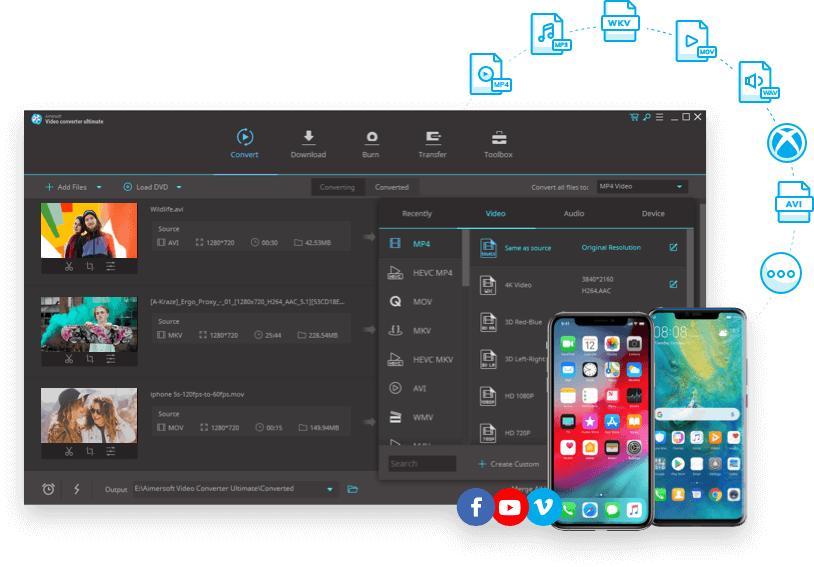
Video Converter Ultimate can convert all HD and SD video files from video cameras, online video sites (like YouTube, Google video, Yahoo video, etc.), webcams, etc. to popular media formats.

HD formats : TS, TRP, HD AVI, HD WMV, HD MOV, HD AVI, MTS, M2TS, etc.
SD formats: AVI, MP4, WMV, MPEG, MOV, VOB, FLV, MKV, SWF, 3GP and more.

Support audio conversion and capture video snatshots

Extract audio from video and convert it to any popular audio formats like WMA, MP3, M4A, AAC, OGG, MKA, FLAC, etc. You can also capture your favorite scenes from video and save it in BMP, JPG image formats.

Remove DRM from video and audio and convert

The video converter ultimate can remove DRM protection from movies and music bought from iTunes, Microsoft Media Center, Napster, Pandora, BBC iPlayer, Amazon video on demand and other DRM protected media center legally and convert them to other media formats.

Rip DVD to Video and Audio in any Format

Rip DVD to Video and Audio

Rip DVD to High-Definition and Standard video

This DVD video converter converts DVD to HD videos: HD MOV, HD WMV, HD AVI and standard videos like WMV, AVI, MP4, FLV, MOV, MPEG, 3GP, etc. while preserving the high quality of DVD.

Optimized setting for multimedia players

This DVD video converter supports iPad, iPod, iPod Touch 3, iPod Nano 5 Zune, iPhone, iPhone 3GS, OS 3.1, iPhone 4(4G), Apple TV, PSP, PS3, Xbox 360, Archos, Sandisk, Motorola Droid/Cliq, Google nexus one, iRiver, Creative Zen, PMP, MP4/MP3 Player, Smart Phone, Pocket PC, PDA, Mobile Phone, etc.

Extract audio, picture or video clips from DVD

Trim your favorite clips or remove unwanted part like commercials from DVD. You can also extract audio from DVD to MP3, WMA, AAC and take a screenshot of your favorite scene and save it in BMP, JPG format.

Edit DVD and Video

Edit DVD and Video

Crop frame size of DVD/video

Scale the frame size of video to retain the part you want while keep aspect ratio of source video. You can easily remove the black bar of DVD movies and watch it in full screen.

Add effects to DVD/video

Adjust the brightness, contrast, saturation of video, add special effects like Old Film, Emboss, Gray and Negative, or add either text or picture watermark to create your own DVD/video.

Trim or split DVD/video

Trim your favorite part from DVD/video by setting the start time and the end time. You can also split a single video file into multiple ones by setting a specific split time or split size to fit them with your device.

Merge multiple files into one

Join all movie titles into a large one to enjoy the movie without interruption, or merge multiple clips into one to make a unique video.

Add subtitles

Stop worrying about the subtitles of your DVD/video. With this DVD video converter, you can add *.srt, *.ass, *.ssa files to various videos, and select subtitle and audio track of DVD as you like.

Download online straming videos

Download online straming videos

Download online streaming videos

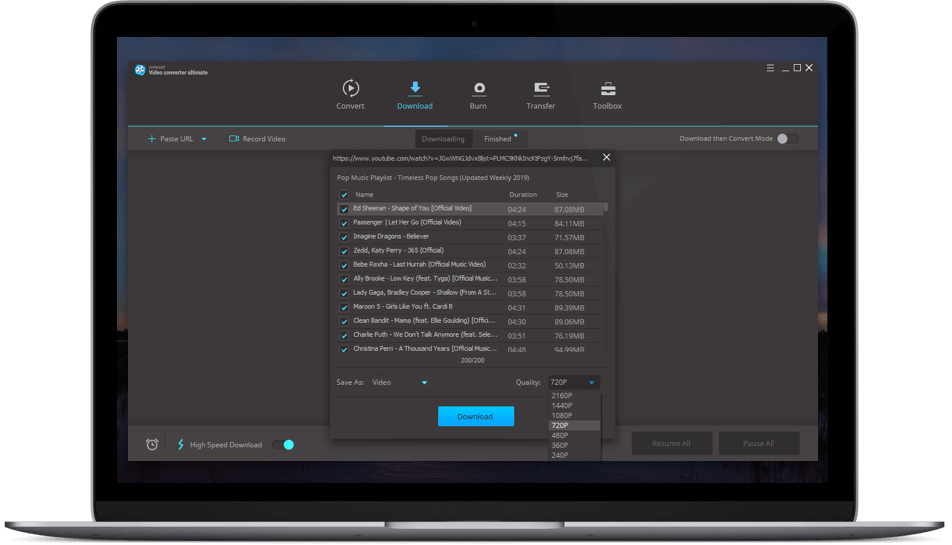
This DVD video program contains video downloader, which lets you download online videos, online TVs, online movies, live sports from Yahoo, Google, YouTube, CNN, PBS, etc more easily.

The streaming online video sites that you can download videos

PBS, AdobeTV, YouTube, ABC Video, Y!Music, Yahoo!TV
American Idol Video, BBC UK TV Video, CNN.com Video,dr.dk Video
ESPN Video, FOX Video,Gamespot Video, Google Video,blogtv,
Comcast.net Video, etc.


Quick and Efficient Conversion

Quick and Efficient Conversion

6X Faster Conversion Speed Boost

Video Converter Ultimate is optimized for NVIDIA® CUDA™ ensuring accelerated video decoding/encoding on a CUDA-enabled graphics card. The significant — up to 6 times — performance gain means prompt HD and SD video conversion, smooth playback and highest quality for all your favorite movies.

Efficient Batch Conversion

The multi-threading process ensures you the efficient and stable conversion of multiple files (video files, audio files, DRM files, DVD movies) at the same time. Check “merge into one file” and merge media clips into one!

Transfer video files to portable devices

Transfer video files to portable devices

Transfer video files to portable devices directly

Want to transfer video to iPod, iPhone, iPad without iTunes? With the Transfer function, you 're easy to sync all your video and audio files to various portable devices like iPod, iPhone, iPad, X-box, Zune, PSP, Blackberry, Nokia, camcoder, Archos, etc.

Detect devices automatically

When video conversion finished, the transfer Pop-up will appear. The application will detect the device that connected with your computer. Just follow the guide to copy the converted video files to device.

Burn any Videos to DVD disc

Burn video to DVD disc

It's so easy to burn recordings from video cameras, online video sites, webcams, etc. and burn them with menus, background music and pictures to disc. In just three steps, create professional and unique video DVDs-even without any prior knowledge.

Burn videos to DVD for your DVD player

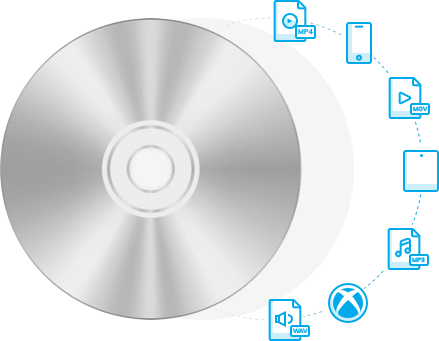
With this total video converter, you can burn various video files to DVD disc, DVD folder or ISO files, and enjoy it on your DVD player.

Rich settings to customize the burning

Select menu template, set the background music/picture, name DVD label and set the video quality and DVD Disc Type for your DVD.


Version 4.0.2, released on Sep 2, 2010

  • Solved the incompatibility bug with NVIDIA graphics driver in video conversion;
  • Added new hardware formats: Blackberry Torch 9800, Samsung Vibrant, Samsung Captivate, LG Prime, DROID2, HTC Aria.

Aimersoft Video Converter Ultimate lets you convert video and audio files, or DVD movies to many other formats for playback on various multimedia devices, including iPad, iPod, iPhone, Zune, PSP and many others. It also lets you burn videos to DVDs.

Here's the step-by-step guide on how to use Video Converter Ultimate:

Step1. Import video/audio/DRM files/ DVDs/online videos

Click and to load video (include DRM files), audio or DVD files. Or click to download online videos to this DVD video converter.

Step2. Select output formats and destination folder

Select proper output formats from the drop-down list of "Profile". Then select destination folder for converted media files from the drop down list of "Output"

You also can click "Advanced.." to customize the output settings in details . You can set the video resolution, frame rate, audio channels, bitrates etc.

Step3. Clip or edit videos (Optional)

Click to trim video and set the start time & end time to get multiple clips as you like. Or click and you can crop the frame size, append effects, add picture/text watermark, or edit subtitle.

DVD video converter software

Step4. Convert DVD and video

Once you’ve finished all the settings, click to convert DVD and video files. After conversion, you can click the Find Target button to open the output folder and find the converted files.

Note: If you want to burn video to DVDs, you may click button to open the video burning window to convert videos to DVDs.

Step5. Transfer video files to portable devices

If you want to transfer media files to portable devices directly, just click on the toolbar then copy the files to you devices.With the Transfer function, you're easy to sync all your video and audio files to various portable devices like iPod, iPhone, Zune, PSP, Blackberry, Nokia etc.

Learn details of how to convert Video,rip DVD, burn DVD and copy DVD with Video Converter Ultimate