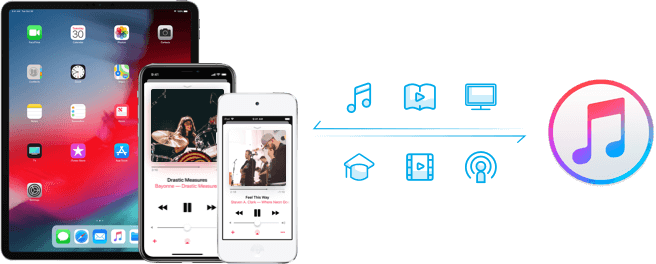
Transfer songs/playlists/videos/tv shows/podcasts/iTunes U from iTunes library to iPhone, iPad, and iPod without erasing the existing data on your iPhone, iPad and iPod.
1 click to copy music from iPhone, iPad, iPod to iTunes library without generating duplicates.
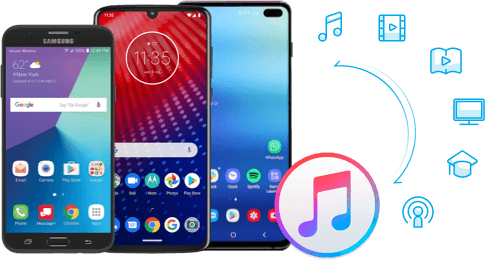
Sync music from iTunes library to Samsung, LG, Motorola, Sony, ZTE, HUAWEI, Lenovo, etc.
Add music/playlists from Android devices to iTunes library for further management.

Transfer music/videos between devices in a minute with iMusic,including transferring songs from IOS to IOS device, IOS to Android device, or Android to Andriod device, Android to IOS device.
Transfer any music for your needs: copying entire music library or moving certain music tracks to other devices is available.
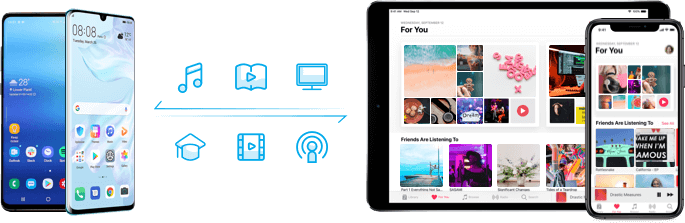
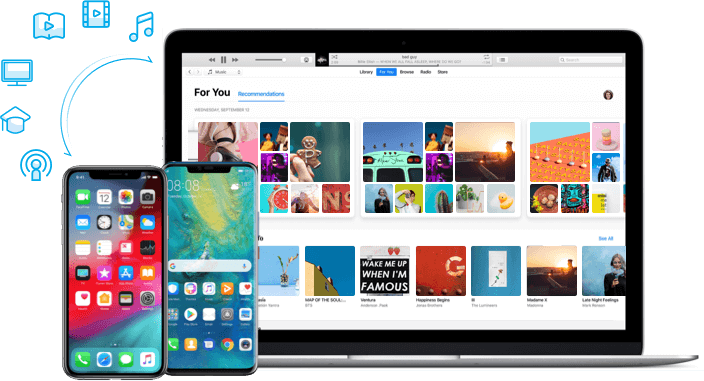
Transfer music from iPhone/iPad/iPod/Android to computer with ease.
Transferring music between Android device and Mac is easy to be done.
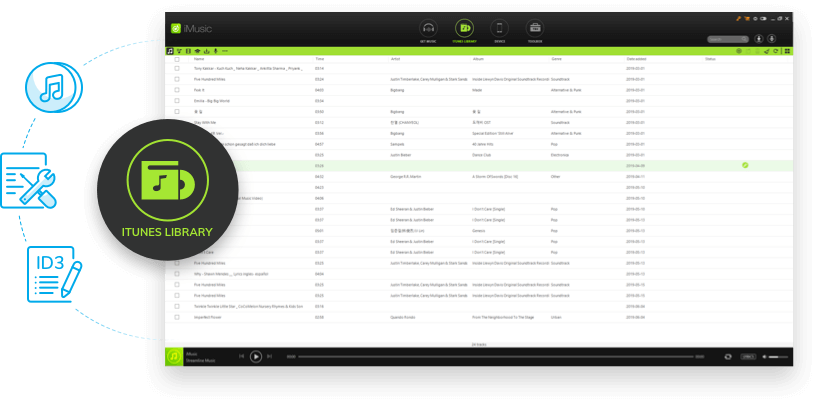
Backup & Restore iTunes: Allow you to backup and recover the iTunes library when it's needed.
Fix Entire iTunes Library: Ability to clean up the dead or broken downloaded music tracks in your iTunes library; fix mislabeled songs; add missing covers automatically and remove duplicate tracks.
Edit/Fix ID3 Tags Automatically: Easy to update album tracks or playlists with correct ID3 tag information by iMusic. The artist name, song title, year and genre, can be added to the song automatically in toolbox. You can also add, remove or edit the information about the tracks or songs manually.
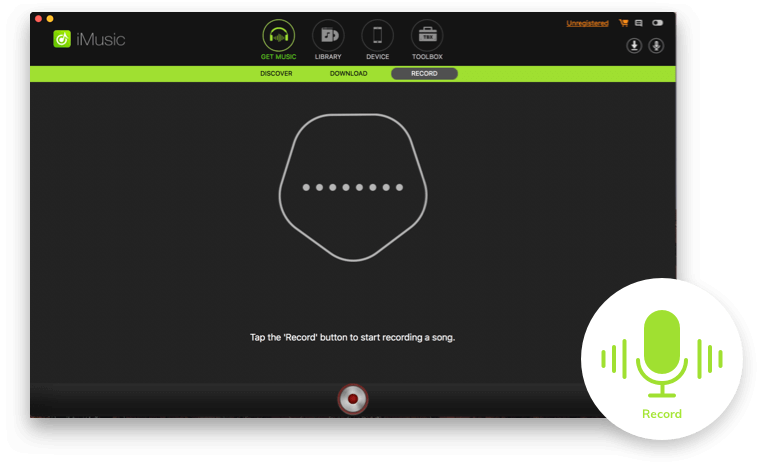
Record Undownloadable Music Easily: In certain cases, the songs cannot be downloaded normally, to solve it, iMusic provides record feature. Whenever you play a song and you feel like to keep it, just click the record button to get it.
Automatically Add ID3 Tags Info: The ID3 tags, like artist name, song title, year and genre, will be added to the song automatically when recording.

Support to download songs from over 3000 music sites like YouTube, Spotify, Pandora, last.fm, Vimeo, Dailymotion, Facebook, VEVO, etc.

Burn downloaded songs and playlists to CDs with iMusic easily.

Stream any music and play the music you downloaded from the Internet on iMusic.

Remove music in DRM protection and convert downloaded M4P music files to MP3 format.

Add and convert music to campatible format for ios/android device.

1 click to tidy up whole iTunes library like missing tags/covers/tracks and duplicate songs at ease.

Toggle icon to let you swich between iMusic and iTunes.

1 click to transfer downloaded music and playlist to USB drive to enjoy in car.

Music is life for me and I really searched for something that can manage everything related with music. I found iMusic an apt tool to satisfy my needs.

The iMusic Program Works Great for Easy Mac to Android Music Transfers. We really love iMusic because it’s the best replacement for programs like iTunes if you want to transfer your music files effortlessly from Mac to Android.

If you really want to give justice to your favorite music track then this one is the ultimate music management product. I have been using it with all pleasure since long time.


